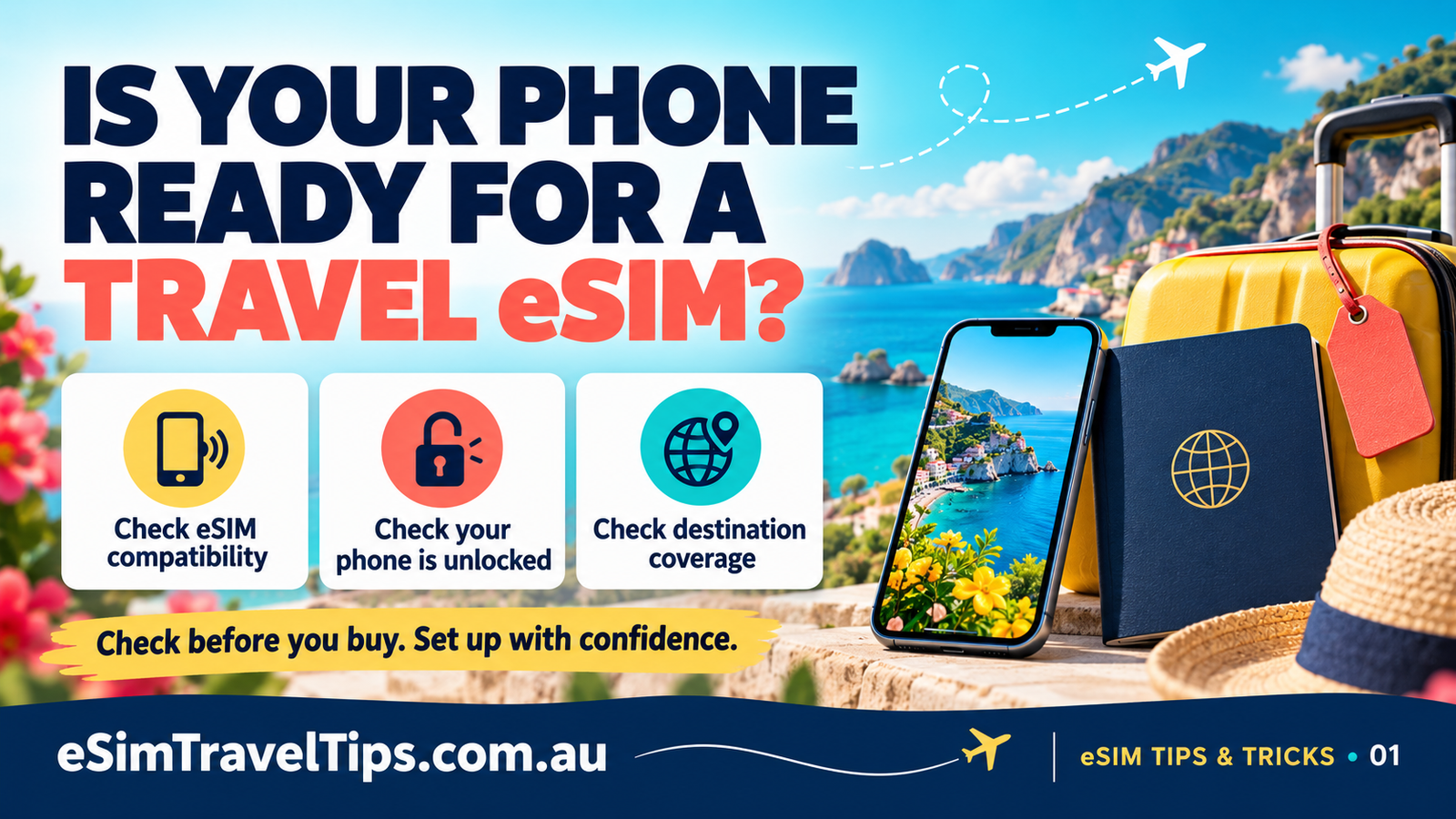
Your passport is ready and your flights are booked. Before buying a travel eSIM, give your phone three simple checks: compatibility, unlocking and destination coverage. A little preparation makes it easier to get connected when you arrive.
1. Check your exact phone supports eSIM
Do not rely on the brand name alone. eSIM support can vary between models and regional versions of the same phone.
iPhone: check your model in Settings > General > About, then compare it with Apple’s eSIM guidance. Many newer iPhones support eSIM, but regional exceptions exist. An Add eSIM option in your mobile settings is a useful clue, not a replacement for checking the exact model.
Android: find the model in Settings > About phone. Check the manufacturer’s specifications for that exact version. On Samsung Galaxy devices, the relevant menu is usually Connections > SIM manager. Google’s Pixel settings use Network & internet > SIMs. Menus vary with software and model.
If you are unsure, check compatibility with your travel provider before paying. Do not publish your IMEI or installation QR code in public comments.
2. Check your phone is unlocked
Supporting eSIM and being unlocked are different things. A phone locked to its home provider may not accept a travel plan from another provider.
On iPhone, open Settings > General > About and look for Service Provider Lock or Carrier Lock. No SIM restrictions indicates an unlocked phone.
On Android, there is no single universal lock-status screen. Ask the carrier that supplied the phone if it is unlocked for another network. Resolve any restriction before purchasing a travel eSIM.
3. Check the plan covers your destination
Match the destination, data allowance and validity period to your actual trip. Read the plan’s coverage information rather than assuming that a country name guarantees reception everywhere. Buildings, terrain and local network availability can affect your connection.
Also check when the validity period starts. Some plans start at installation; others start when they connect to a supported network. Follow the conditions supplied with your purchase.
Your quick pre-flight checklist
- Exact phone model confirmed as compatible.
- Phone unlocked for another provider.
- Destination and trip dates matched to the plan.
- Installation instructions and reliable Wi-Fi ready.
Once those checks are done, use our iPhone video and written iPhone and Android setup guide. It also explains how to select the travel data line and manage home-SIM roaming.
Ready to choose? Browse travel eSIM plans at 3gmrc.com.au and check compatibility and plan conditions before purchasing.
Manufacturer references checked 7 October 2026: Apple travel eSIM guidance, Samsung compatibility guidance and Google Pixel eSIM setup.